Tech
Amazon Kindle Paperwhite (2024) Review: Weeks of Glare-Free Reading Anywhere, Tested by SAVEN
The 2024 Paperwhite is faster, sharper, and longer-lasting than ever — the e-reader most people should buy.
Amazon's Paperwhite has long been the middle child of the Kindle line, and the 2024 edition makes the strongest case yet that the middle is exactly where most readers belong. It gains a larger 7-inch display, noticeably faster page turns, and battery life measured in weeks, while keeping the waterproofing and warm light that made its name. At around $160 it is not the cheapest way to read ebooks — but it may be the most pleasant. Here is how it holds up where it matters: screen, design, stamina, and everyday reading.
Our Verdict
With a bigger, sharper screen, an adjustable warm light, a waterproof body, and a battery that lasts for weeks, the Paperwhite (2024) gets everything a reader actually needs right. Unless you want physical page-turn buttons or a pen for notes, this is the Kindle to buy.
SAVEN Score: 4.7 / 5
Check Price1. Display and Reading Experience
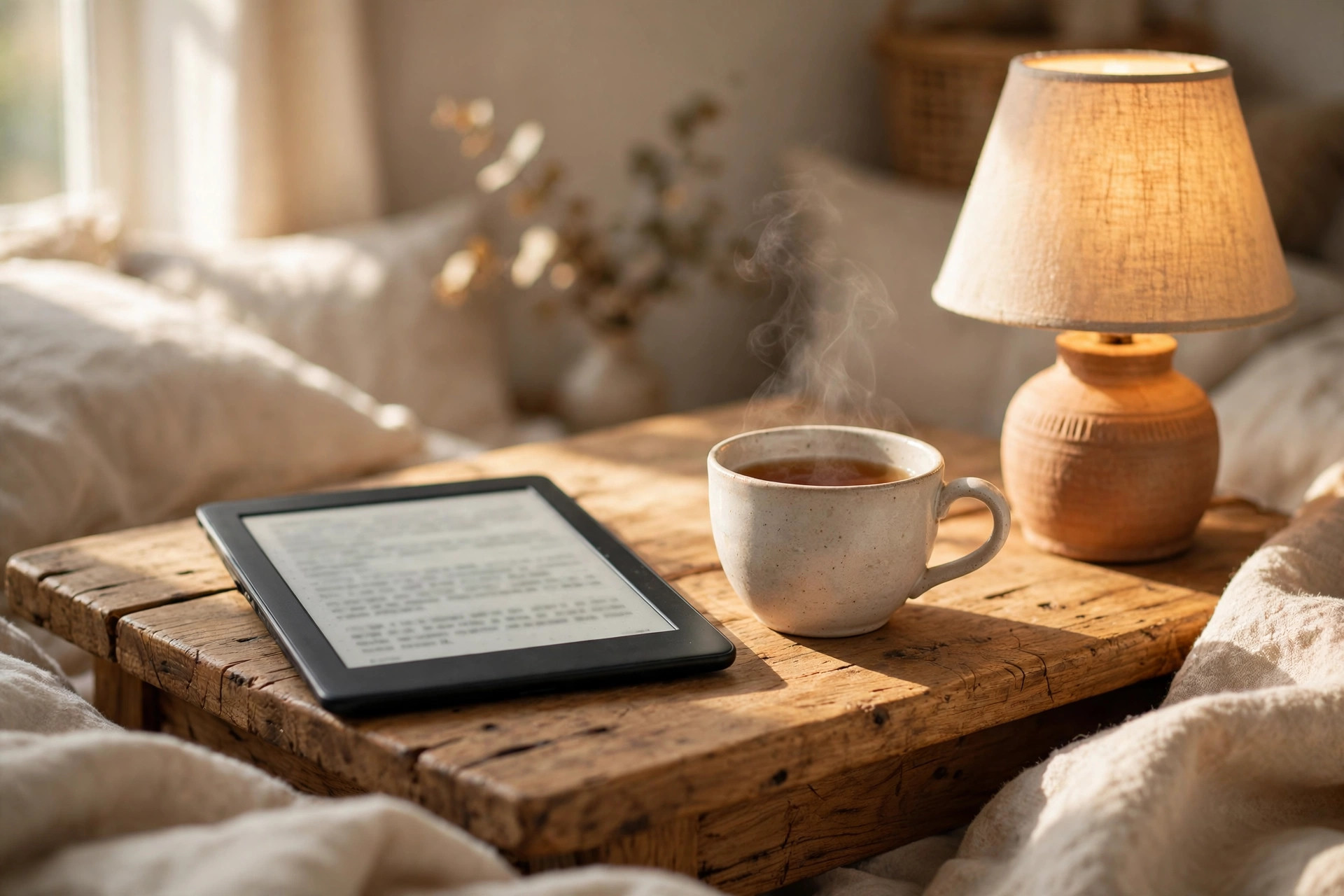
The 7-inch screen is the largest ever fitted to a Paperwhite, yet the device barely grows thanks to slimmer bezels. Text renders at 300 ppi, so letters stay crisp at any font size, and the glare-free finish reads like paper in direct sun while the front light handles dark rooms. An adjustable warm light shifts the page from cool white to amber — easier on the eyes at night — and dark mode inverts the page for bedtime reading. Page turns are about 25 percent faster than the previous model, which sounds minor until you are flipping back to check a character's name mid-chapter.
2. Design and Waterproofing
At about 211 grams, the Paperwhite is lighter than most paperbacks and easy to hold one-handed on a train or in bed. The matte back resists fingerprints, the edges are softly rounded, and the whole body is sealed to an IPX8 rating — built to survive immersion in up to two meters of fresh water for an hour, so bath reading and poolside splashes are non-events. Charging is via USB-C, the same cable as most modern phones. There are no physical page-turn buttons; everything happens on the touchscreen, which keeps the design clean but asks you to keep a thumb free for tapping.
3. Battery Life and Performance
Battery life is the Paperwhite's party trick: Amazon rates it for up to twelve weeks per charge based on half an hour of reading a day, and even heavy readers should measure the gap between charges in weeks, not days. When it does run low, USB-C refills it in about two to three hours. Performance is snappy throughout — books open quickly, menus and the store respond without the lag older e-readers were known for, and 16 GB of storage holds thousands of books, so deleting titles to make room is a thing of the past.
4. Reading Day to Day
Day to day, the Paperwhite fades into the background the way a good book should. Your library syncs across the Kindle apps on your phone and tablet, picking up your page, highlights, and notes wherever you left off. A built-in dictionary and vocabulary builder help with unfamiliar words, reading settings — font, size, margins, line spacing — are deeply adjustable, and in the US you can borrow ebooks from many public libraries and have them delivered straight to the device. The base model shows offers on the lock screen when it sleeps; a small one-time fee removes them if they bother you.
What we like
- Sharp, warm-lit screen that is easy on the eyes
- Waterproof and light enough to take anywhere
- Battery measured in weeks, not days
What to consider
- No physical page-turn buttons
- Lockscreen offers on the base model
- Black-and-white screen, so color artwork loses its pop
Should You Buy the Amazon Kindle Paperwhite (2024)?
If you read more than a book or two a month, yes — at around $160 the Paperwhite is the sweet spot of price, screen, and stamina, and its waterproofing makes it the one to take on holiday. Casual readers who only read at home in good light may be fine spending less, and anyone who wants to write in the margins should look at a pen-equipped model instead. For pure reading, though, this is about as good as e-readers get.
Frequently Asked Questions
Is the Kindle Paperwhite really waterproof?
Yes. It is rated IPX8, tested for immersion in up to two meters of fresh water for 60 minutes. It handles baths, pools, and beach bags comfortably; just let the charging port dry before plugging in.
How long does the battery actually last?
Amazon rates it at up to twelve weeks based on half an hour of reading per day. Heavier readers will charge more often, but even an hour or two a day stretches a single charge across several weeks.
Can I borrow library books on a Kindle?
In the US, many public libraries lend Kindle ebooks. You borrow through your library's website or app, and the book is delivered to your Paperwhite over Wi-Fi, ready to read like a purchased title.